How to Post on Google Business Profile
Improve your local visibility and attract more customers from Google Maps. Learn how to publish regular business updates effortlessly using Vizogen.
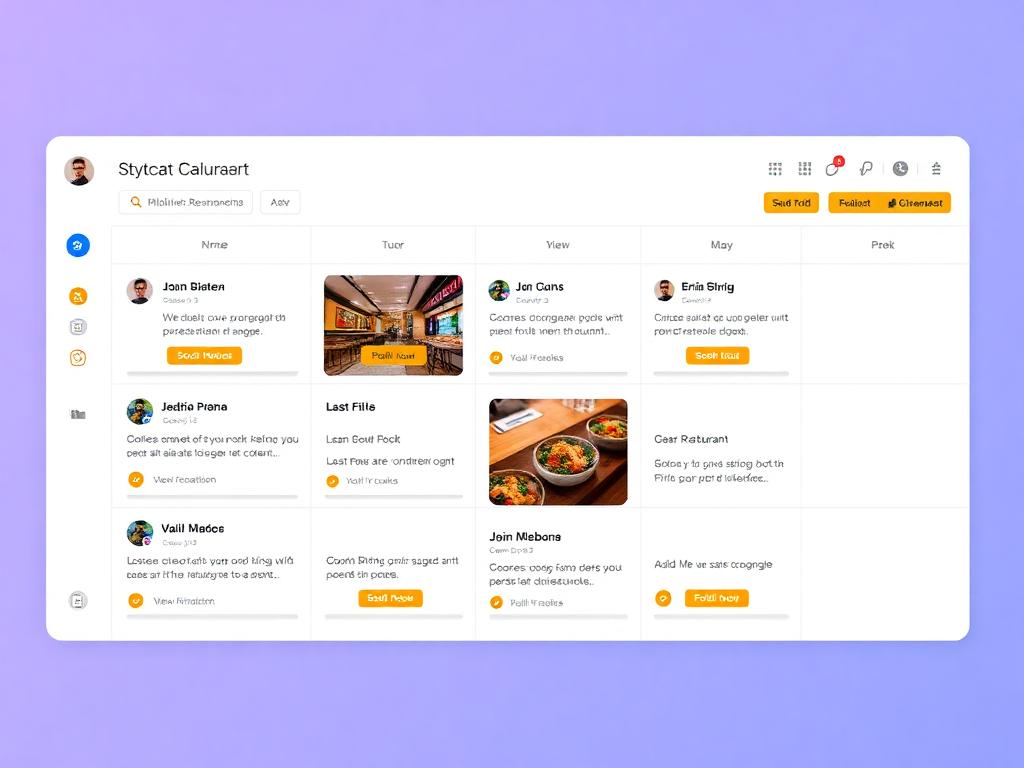
The GBP Workflow
Select the Google Platform
In the 'Post Management' dashboard, look at the platform selector at the top. Click the 'G' icon (Google Business Profile) to ensure your post is optimized specifically for local search.
Open Post ManagementGenerate Content
Use the 'Auto Post' tab to let AI write your GBP update. Type your business offer or news in the prompt box. GBP posts work best when they're clear and actionable.
Verify the Live Preview
Check the 'Live Preview' panel on the right side. This shows exactly how your business update will appear to customers searching on Google Maps and Google Search.
Instant 'Post to GBP'
Ready to go live? Click the amber 'Post to GBP' button. Vizogen will instantly transmit your post to your verified Google Business Profile.
Button Action
This button in your dashboard makes you live instantly.
Schedule for Local Peak Hours
Want to post later? Click 'Schedule' to pick a time when your local customers are most active. Regular posting on GBP is a proven way to rank higher in local results.
Why Post on GBP?
Boost Local Rankings
Google rewards active businesses. Regular posting signals to Google that your business is open and relevant, helping you appear higher in the 'Local 3-Pack'.
Convert Searchers to Customers
Posts let you showcase offers, events, and products directly on the search results page, giving customers a reason to choose you over competitors.
What to Post on GBP?
Offers & Deals
Announce a 20% discount or a 'Buy 1 Get 1' weekend special to drive immediate foot traffic.
New Arrivals
Showcase your latest products or services to keep your profile fresh and exciting.
Business News
Update your customers about holiday hours, new staff members, or renovations.
10 Example GBP Posts
Real posts generated by Vizogen AI for different business types — steal these formats for your own profile.
01
Offer Post
“Flat 20% off all haircuts this week at Glow Salon! Walk-ins welcome. Offer ends Sunday.”
02
Event Post
“Free yoga workshop this Saturday, 7 AM at Zen Yoga Studio. Limited to 20 seats — reserve yours now!”
03
New Product
“Just landed: artisan sourdough loaves at Butter & Crumb Bakery. Fresh from the oven daily at 8 AM.”
04
Business Update
“We've moved! Find Sunrise Dental at our new, bigger clinic on MG Road — same care, more comfort.”
05
Customer Story
“From couch to 5K in 8 weeks — congrats, Arjun! Start your own journey at FitPeak Gym today.”
06
Review Highlight
“'Best butter chicken in the city!' — thank you for the love, Google reviewers. Come taste it yourself.”
07
Festive Post
“Celebrate the festive season with our special gift hampers — pre-orders open now at Butter & Crumb.”
08
FAQ Post
“Do I need an appointment? Nope! Walk in anytime — Torque Auto Garage serves you 7 days a week.”
09
Behind the Scenes
“5 AM at the bakery: our bakers kneading today's batch. This is what fresh really means.”
10
Hiring Post
“Join our team! Spice Route is hiring chefs and service staff. Walk-in interviews this Friday.”
Ready to keep your GBP active?
Vizogen writes, previews and publishes your Google Business Profile updates — daily, automatically.